
Mobile app designers are always looking for the right tool that will make their designs worthwhile for the end user. Designing & developing a great mobile app requires high level skills, creativity, and of course the right tools.
Could this be the reason why companies are investing more money into user-friendly mobile designs? Right, for sure.
What would these companies expect to get from this bold step? Well, according to DMI, “In 10 years, a $10,000 investment in design-centric companies would have yielded returns 228% greater than the same investment in the S&P.”
While it’s still essential to sketch your wireframes and products prototype on paper, app designing software are making it easier less tedious and easy to share finished or unfinished jobs with clients, developers, and designers.
But with so many design tools everywhere nowadays, it can be challenging to choose the best tool for your particular type of app.
Good news is, I’ve distilled some of these tools mobile app developers & designers prefer to use. I’m confident that you’ll find the right tool with the functionality you need from this list.
1. Sketch
Sketch is a lightweight MacBook based UI/UX design tool for modern app designers. Sketch is more like Adobe Photoshop but it’s built mainly for app prototyping and has one of the highest share in the wireframe and prototyping space.
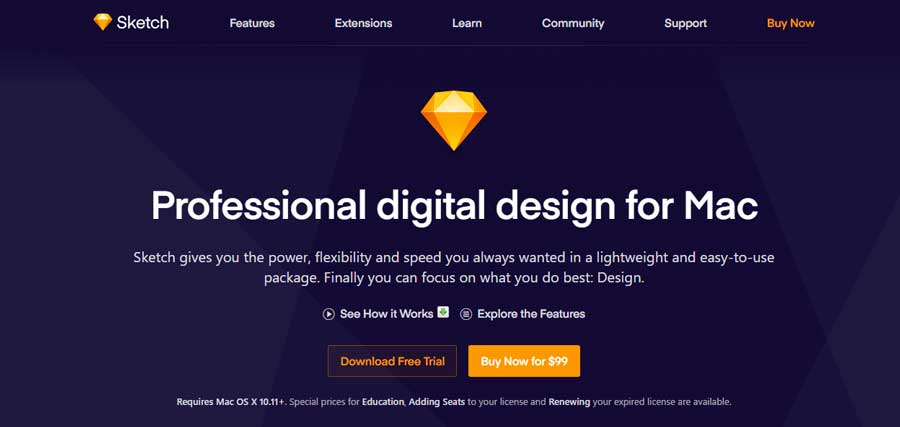
Product Page – https://www.sketchapp.com/
2. Adobe Experience Design (XD)
XD is the direct competitor of Sketch. If you’re a PC fan and have been looking to use Sketch but have been limited because it exclusively supports Mac, then, this is good news for you.
XD provides you with basically all the features you get from Sketch—wireframe, prototyping, and more.
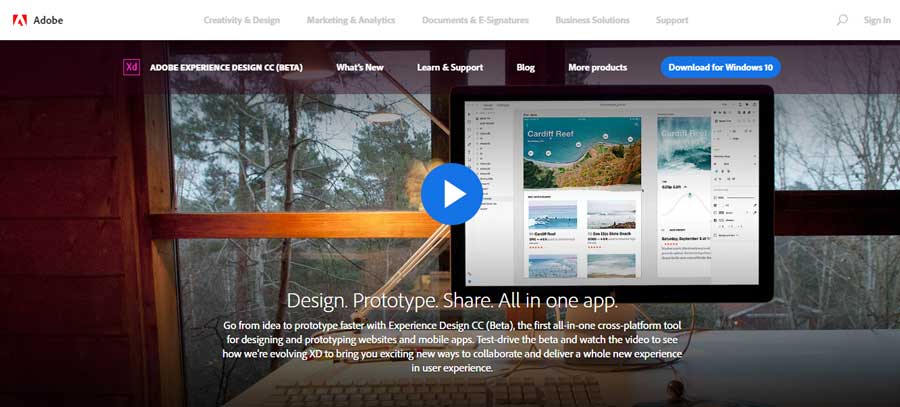
Product Page – https://www.adobe.com/products/xd.html
3. Axure RP
Axure RP is a complete app design tool for professional designers. It tries to give you all the functionalities you need to design your app from start to finish. Of course, that doesn’t mean it’s perfect.
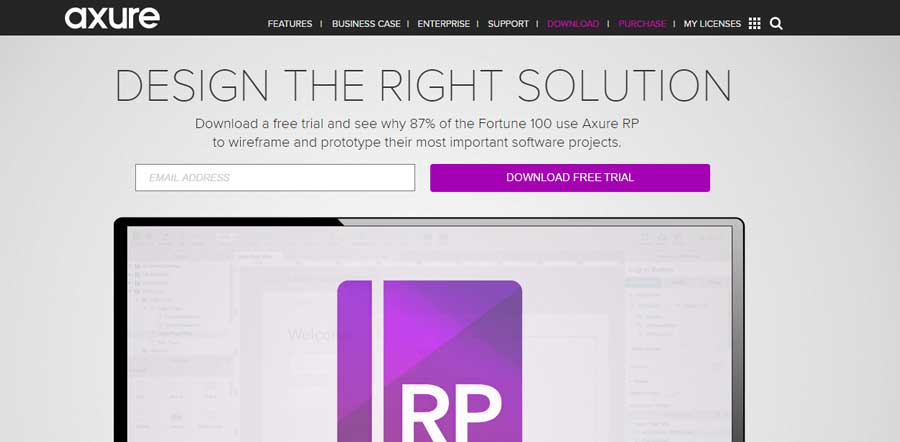
Product Page – https://www.axure.com/
4. Marvel
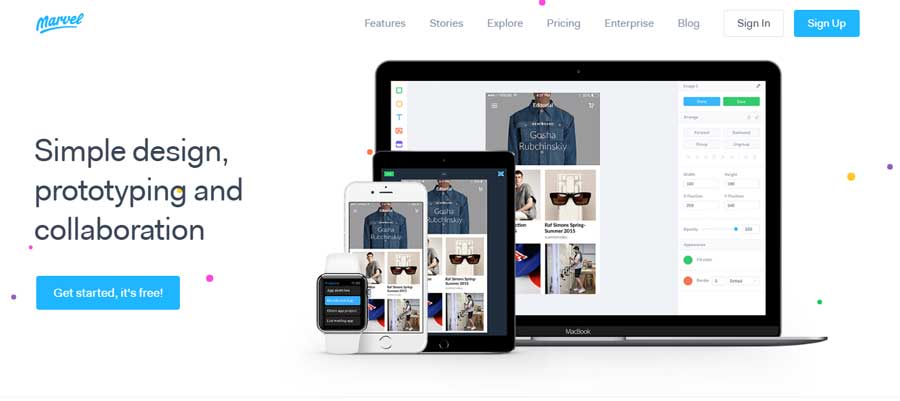
Looking at designing, prototyping and also collaborating with your team? Marvel makes it possible for you to do all of that.
Plus it makes it possible for you to synchronize your designs from other tools like Sketch or Photoshop, and illustrator, easily, and even those on cloud storage like Dropbox or Google Drive.
Product Page – https://marvelapp.com/
5. Proto.io
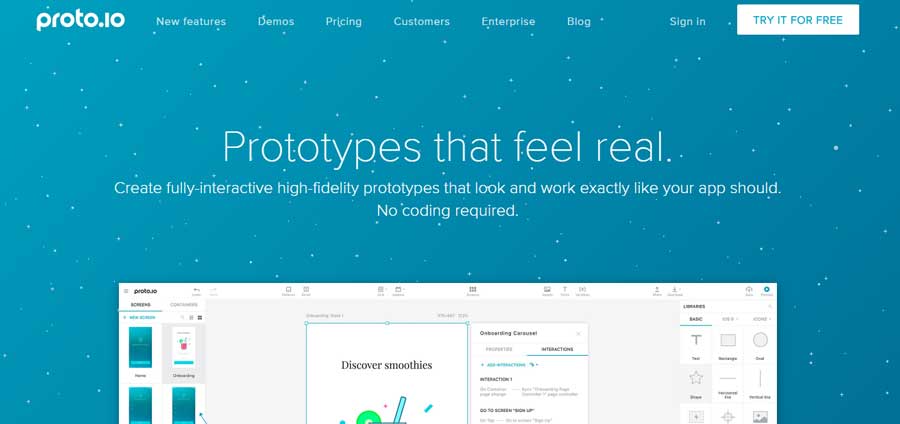
With a lot of design and prototype templates, you can make your work easier with Proto.io. It’s easy to use, as no coding is required. More importantly, you can seamlessly import your UI components from Sketch or Photoshop.
Product Page – https://proto.io/
6. Origami Studio
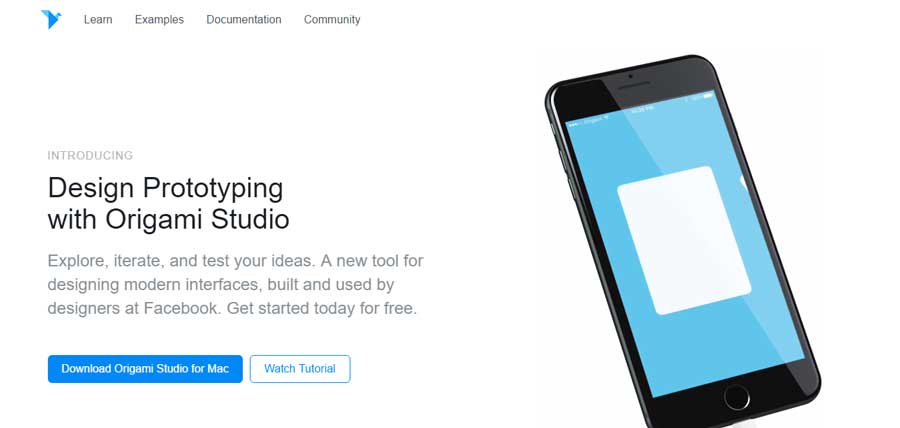
Origami is a standalone interface design tool developed by Facebook engineers and has been used by Facebook to design Facebook apps like Facebook Messenger and Instagram and now it’s available for you for free. It’s a complex tool with great functionalities.
Product Page – http://origami.design/
7. OmniGraffle
OmniGraffle is a diagram design tool that provides the features and freedom to prototype screen flows, strategy maps, wireframes, and a variety of diagrams.
With OmniGraffle, you can quickly visualize the flow of your app. So, it helps you in planning your app development without much hassle.
Product Page – https://www.omnigroup.com/omnigraffle
8. Balsamiq
Unlike other tools, Balsamiq helps you to design wireframes and wireframes alone effortlessly. So, if you are looking for a tool to design just wireframes alone, then Balsamiq does a great job at it.
Product Page – https://balsamiq.com/
9. JustInMind
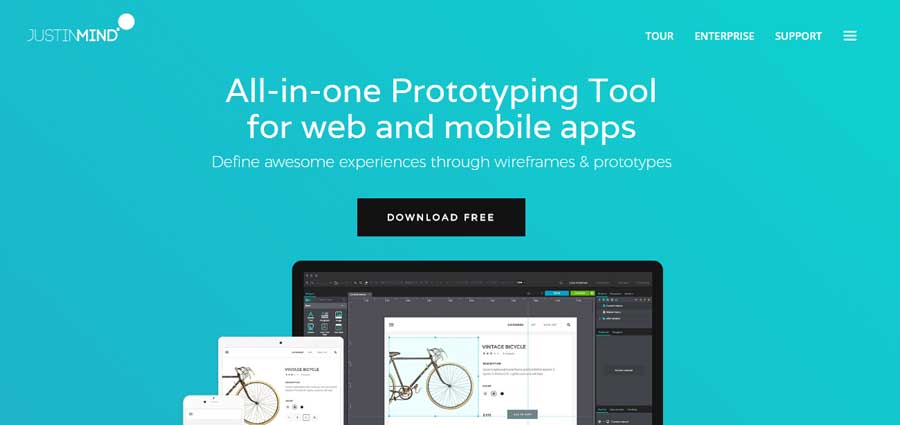
JustInMind is a standalone tool for designing wireframes and for prototyping. This tool can be downloaded to your server for team collaboration. It allows you to add HTML, videos, online widgets, docs, interactive maps and online/offline to your application through its widget library.
Product Page – https://www.justinmind.com/
10. HotGloo
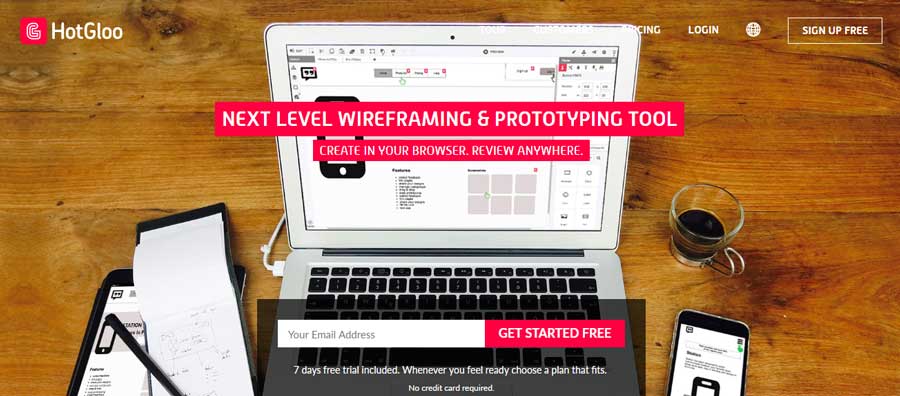
HotGloo is a robust interface designing tool that allows you to prototype any type of mobile application that needs a particular user interface. It has extraordinary interactive features.
Product Page – https://www.hotgloo.com/
11. UI Stencil Kit
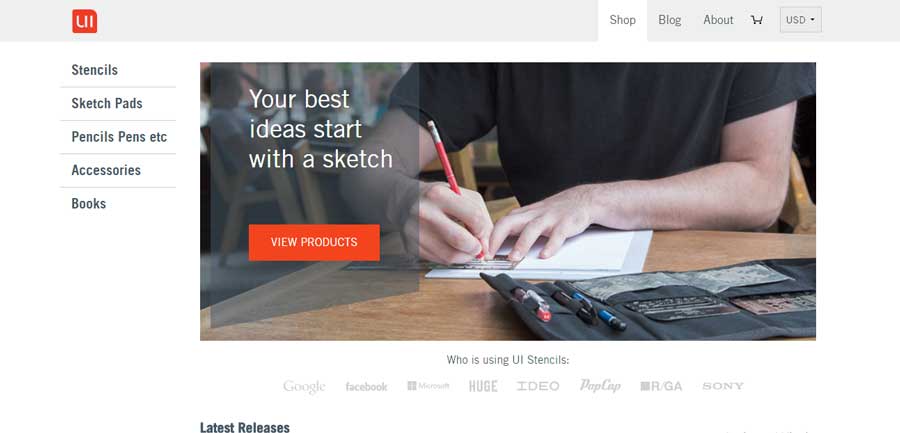
If you work with a team, in an office, the UI stencil kit can help you a great deal in your app brainstorming and ideation phase.
Product Page – https://www.uistencils.com/
12. Flinto
Does it look like all odds are against you on the best tools in the market because you’re not on Mac?
Maybe you want to collaborate with your team and everyone is using Mac and now you’re thinking of getting a Mac because you want to be able to use Sketch?
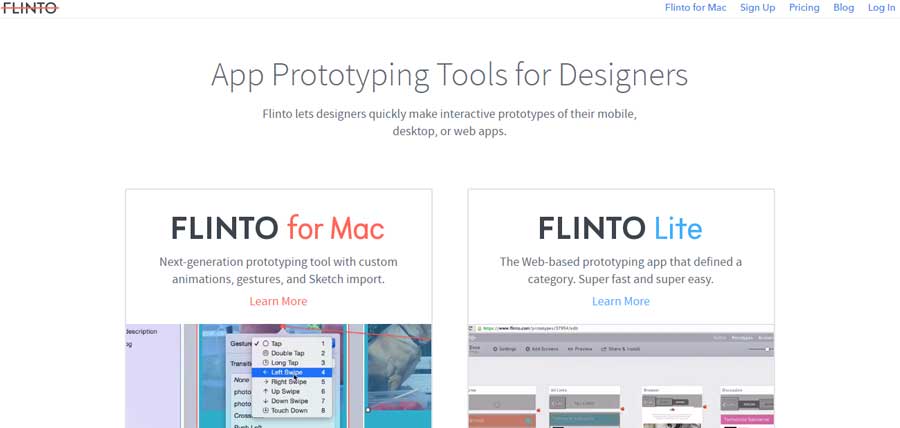
Well, Flinto has a web and Mac version, you can easily import your Sketch and Photoshop designs and join your team. You’ll never feel like you’re left out.
Product Page – https://www.flinto.com/
13. FramerJS
FramerJS is a flexible and interactive mobile app design tool that allows you to code or use their visual editing tool that auto-generates the corresponding code at the backend, which you can re-use if you like to meddle with code. Otherwise, the visual editor should be fine if you’re just a visual designer.
Product Page – https://framer.com/
14. InVision
Have you made your design and need to add interactivity to it? inVision allows you to upload your design files and add animations, gestures, and transitions to turn your static prototypes into interactive and clickable prototypes.
Product Page – https://www.invisionapp.com/
15. Zeplin
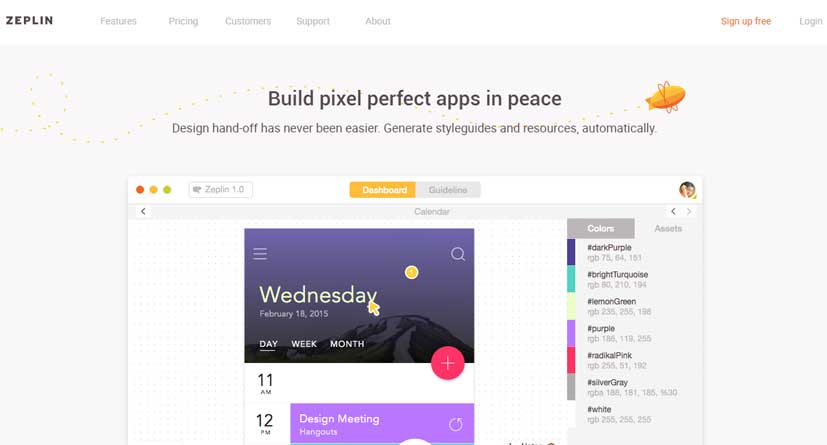
Zeplin is a collaboration tool for designers and developers. It goes far beyond design and workflow—which allows mobile designers to create a masterpiece. It allows you to upload your wireframes and visual designs from Photoshop and Sketch and add them to your project folder in Zeplin.
Product Page – https://zeplin.io/
16. UXPin
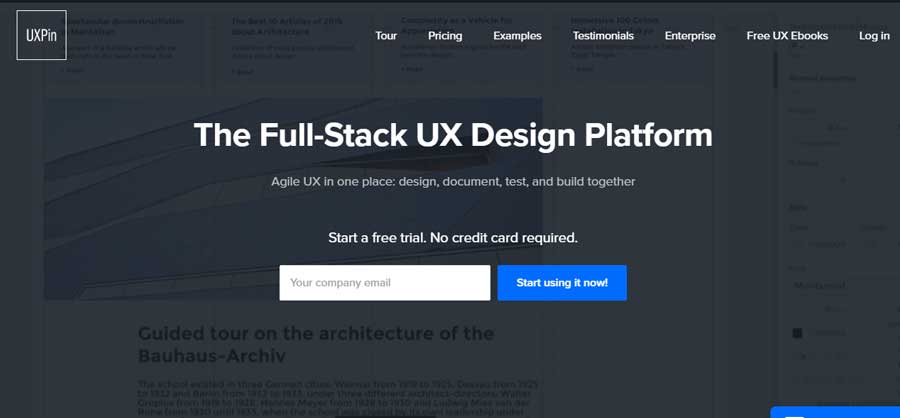
You want to be able to create powerful UX without code and take on the whole process from design to development the “Agile” way, all in one place? UXPin is more likely what you’re looking for.
Product Page – https://www.uxpin.com/
17. Iconjar
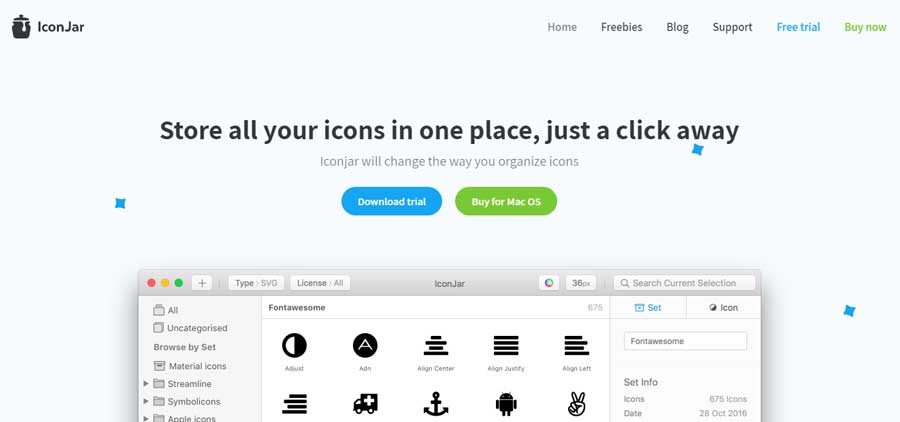
Organizing your icons couldn’t get any better. Iconjar allows you to upload and store all your icons in one place from which you can search for them and drag and drop them to your project on Sketch or Photoshop.
Product Page – https://geticonjar.com/
18. Fluid UI
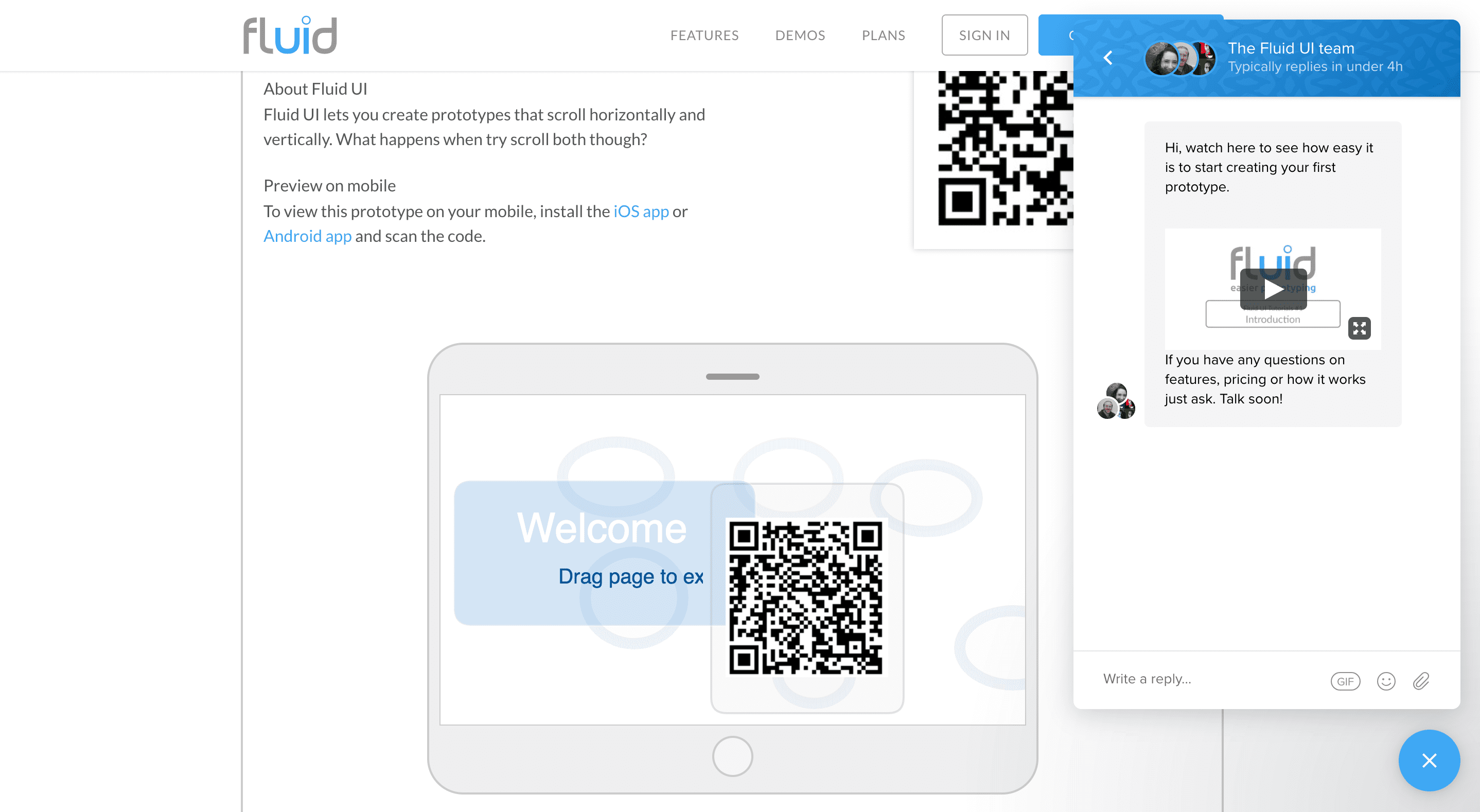
Fluid UI, one platform solution for all of your design, collaboration and communication needs.
Fluid UI is the perfect tool for mobile app designers. With powerful collaboration features, you will be able to design and edit in real time with the rest of your team. Freelancers can quickly mockup ideas while on a call with potential clients and capture requirements with ease.
Product Page – https://www.fluidui.com/
